pyvista.ImageDataFilters.open#
- ImageDataFilters.open(
- kernel_size: int | VectorLike[int] = (3, 3, 3),
- scalars: str | None = None,
- *,
- binary: bool | VectorLike[float] | None = None,
- progress_bar: bool = False,
Perform morphological opening on continuous or binary data.
Opening is an
erosionfollowed by adilation. It is used to remove small objects/noise while preserving the shape and size of larger objects.Added in version 0.47.
- Parameters:
- kernel_size
int|VectorLike[int], default: (3, 3, 3) Determines the size of the kernel along the xyz-axes. Only non-singleton dimensions are opened, e.g. a kernel size of
(3, 3, 1)and(3, 3, 3)produce the same result for 2D images.- scalars
str,optional Name of scalars to process. Defaults to currently active scalars.
- binarybool |
VectorLike[float],optional Control if binary opening or continuous opening is used. Refer to
erode()and/ordilate()for details about using this keyword.- progress_barbool, default:
False Display a progress bar to indicate progress.
- kernel_size
- Returns:
pyvista.ImageDataDataset that has been opened.
Notes
This filter only supports point data. For inputs with cell data, consider re-meshing the cell data as point data with
cells_to_points()or resampling the cell data to point data withcell_data_to_point_data().Examples
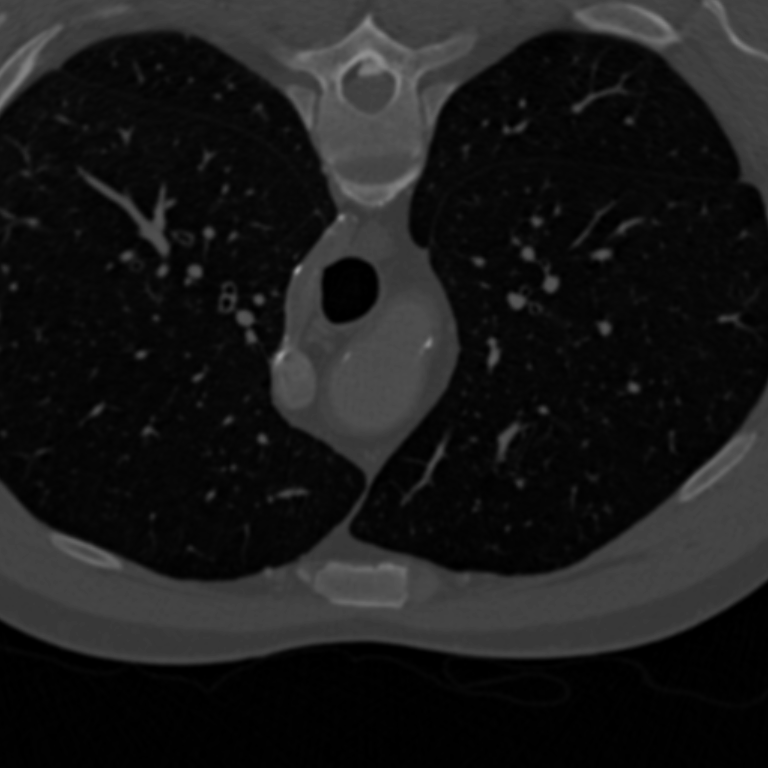
Load a grayscale image
download_chest()and show it for context.>>> from pyvista import examples >>> im = examples.download_chest() >>> clim = im.get_data_range() >>> kwargs = dict( ... cmap='grey', ... clim=clim, ... lighting=False, ... cpos='xy', ... zoom='tight', ... show_axes=False, ... show_scalar_bar=False, ... ) >>> im.plot(**kwargs)
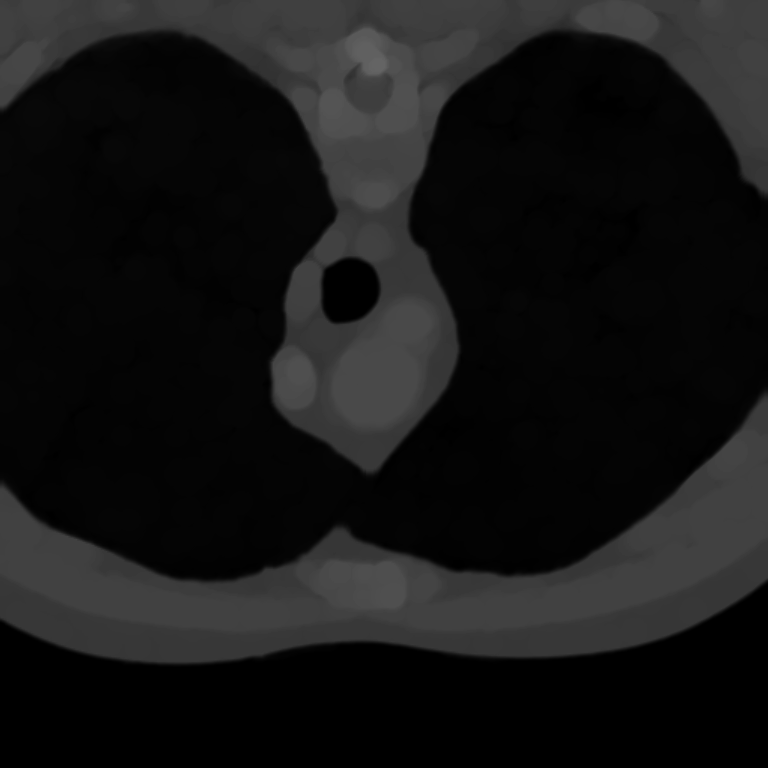
Use
opento remove small objects in the lungs.>>> opened = im.open(kernel_size=15) >>> opened.plot(**kwargs)